

Top 7 Best Programming Software for Beginners
Top 7 Best Programming Software for Beginners
Programming is an increasingly essential skill in the digital age. However, for beginners, choosing the right software to learn and practice can be a challenge. Below is a list of the top 7 best programming software for beginners, ranging from open-source to specialized tools, helping you easily step into the world of coding.Visual Studio Code - Versatile, Open-Source Programming Software
Visual Studio Code (VS Code) is a must-have on this list due to its flexibility and popularity among developers. Developed by Microsoft, VS Code is a completely free, open-source code editor that supports a wide range of programming languages such as JavaScript, Python, C++, PHP, and more. What makes VS Code stand out is its rich extension ecosystem, enabling features like syntax checking, intelligent code suggestions, and Git integration for project management.
For beginners, VS Code offers a smooth learning experience thanks to its user-friendly interface, easy customization, and compatibility with Windows, macOS, and Linux. You can start with small projects like basic HTML snippets and gradually explore more advanced features as you become more comfortable. Moreover, its vast user community is always ready to support you through forums and detailed guides.
PyCharm Community Edition - Specialized Python Programming Tool
If you choose Python as your first programming language—a smart choice due to its simple syntax and broad applications—then PyCharm Community Edition is a must-try. This free version of PyCharm, developed by JetBrains, is specially designed to optimize the Python coding experience. It offers powerful features like code auto-completion, real-time error detection, and a visual debugger to help you understand and fix your code easily.
With its beginner-friendly interface and efficient project management, PyCharm stands out for newcomers. It supports creating virtual environments for testing without affecting your system, a handy feature when learning to use Python libraries. Although it only supports Python (unlike the paid version), PyCharm Community Edition remains a top choice for mastering Python from basics to advanced.
Eclipse - IDE Supporting Multiple Programming Languages
Eclipse is one of the oldest and most powerful IDEs, originally designed for Java but now supporting languages like C/C++ through plugins. For beginners, Eclipse may feel a bit complex due to its many features, but it provides a great learning experience with integrated tools like debuggers and version control support.
Eclipse’s strength lies in its flexibility and vast user community, offering thousands of tutorials, videos, and plugins to customize the experience. If you aim to learn multi-platform development or work on large projects, Eclipse is a worthy choice—just be sure to spend time getting familiar with its interface.
NetBeans - Powerful IDE for Java and Other Languages
NetBeans is another open-source IDE, known for excellent Java support but also powerful for working with HTML5, CSS, JavaScript, and PHP. Developed by Apache, NetBeans offers a drag-and-drop interface for easy application design without excessive coding. It also integrates Git and code testing tools, helping you manage projects professionally from the start.
For beginners, NetBeans bridges basic learning and real-world application development. You can start with simple Java exercises and progress to web or desktop projects. It runs smoothly across different platforms and is entirely free, making it an ideal choice for exploring programming without cost.
Thonny - Easy-to-Use Python Programming Software
Thonny is a lightweight yet highly effective tool for those new to Python. Designed with education in mind, Thonny has a minimalist interface that removes unnecessary complexity so you can focus on learning. One standout feature is its step-by-step debugger, allowing you to track how your program works and better understand the code flow.
Thonny is great for beginners thanks to its easy installation and low system requirements. You can use it to write basic Python code, practice with variables, loops, and functions without being overwhelmed. It's also commonly used in schools and introductory programming courses, especially suited for students and self-learners starting from scratch.
Atom - Open-Source and Flexible Code Editor
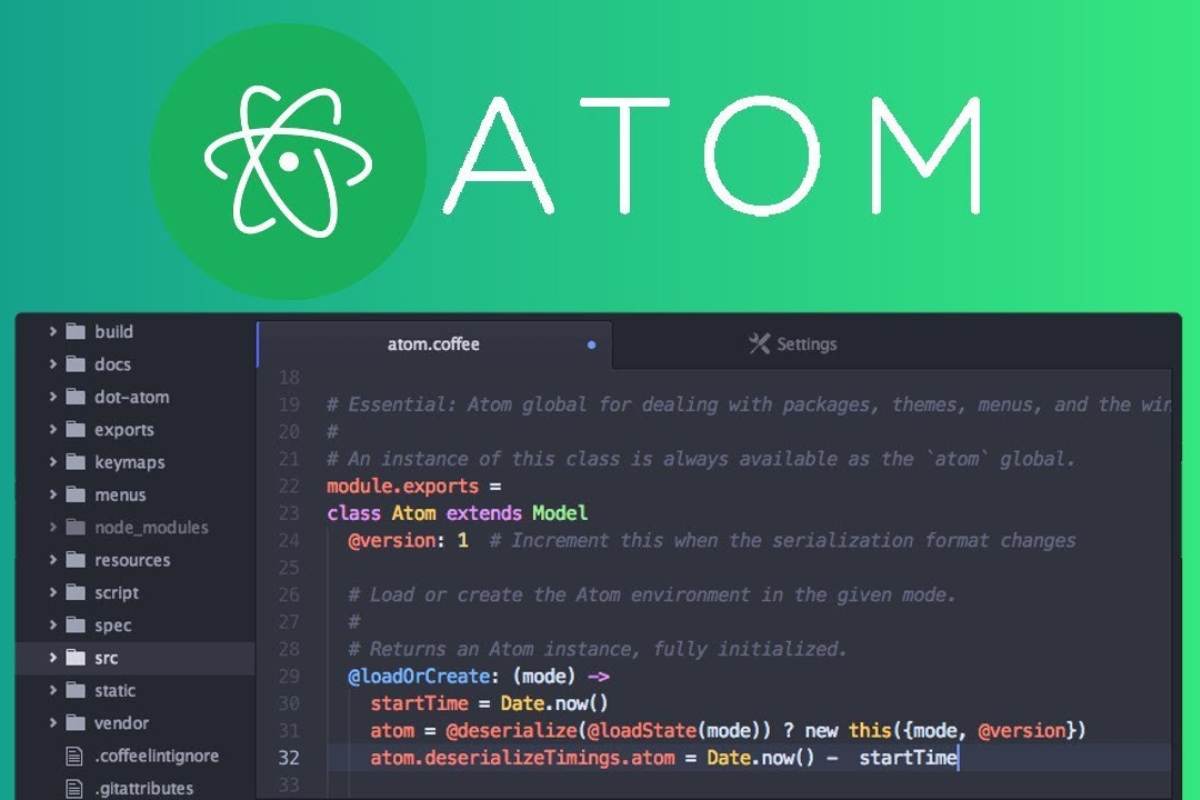
Atom, developed by GitHub, is an open-source text editor with a modern design and high customizability. While not a full IDE like Eclipse or NetBeans, Atom is sufficient for beginners working with HTML, CSS, JavaScript, or Python. Its standout feature is the package system, allowing you to add features like syntax highlighting, auto-completion, and an integrated terminal.
With its attractive interface and real-time collaboration capabilities, Atom is suitable for beginners who want to code in groups or share their work with friends. Though it may start up slower than lighter editors like Sublime Text, Atom is worth trying due to its flexibility and strong community support.
BlueJ - Java Programming Software for Beginners
BlueJ is an IDE designed specifically for learning Java, especially for beginners and students. Its unique feature is visualizing classes and objects in object-oriented programming, helping users understand how Java works. Its simple, lightweight interface and easy-to-use tools like step execution make it an excellent companion in early learning stages.
Although not as powerful as Eclipse or NetBeans for large projects, BlueJ focuses on education and helping users build a solid Java foundation before moving on to more complex tools. It's a perfect choice for those wanting a structured and educational approach to programming.
Conclusion
The 7 programming software tools listed above are excellent options for anyone beginning their coding journey. Depending on the language you want to learn, you can choose a tool that best suits your goals. Try them out and find the one you feel most comfortable with to conquer the exciting world of programming! Don’t be afraid to start small—with persistence and the right tools, you'll soon master the fascinating world of code!
